.svg)
.svg)
 AI Course
 For Instructor
Completed


 21 Minutes


Success stories
See How Our Community Members Are Transforming Their Careers
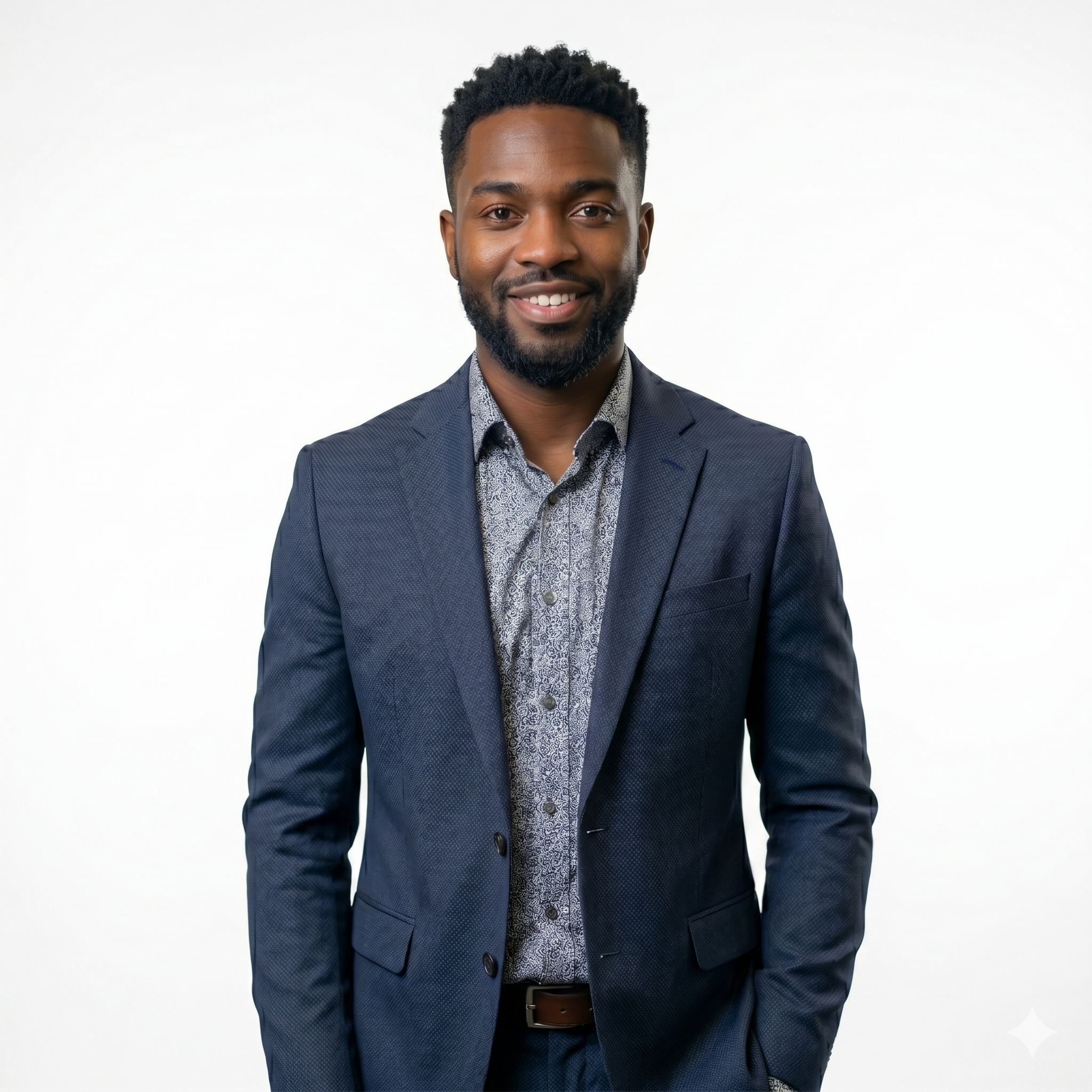
James Holloway
Transitioning to full-stack development seemed daunting until I joined this program. The curriculum is perfectly structured for career pivoters.
Full Stack Developer
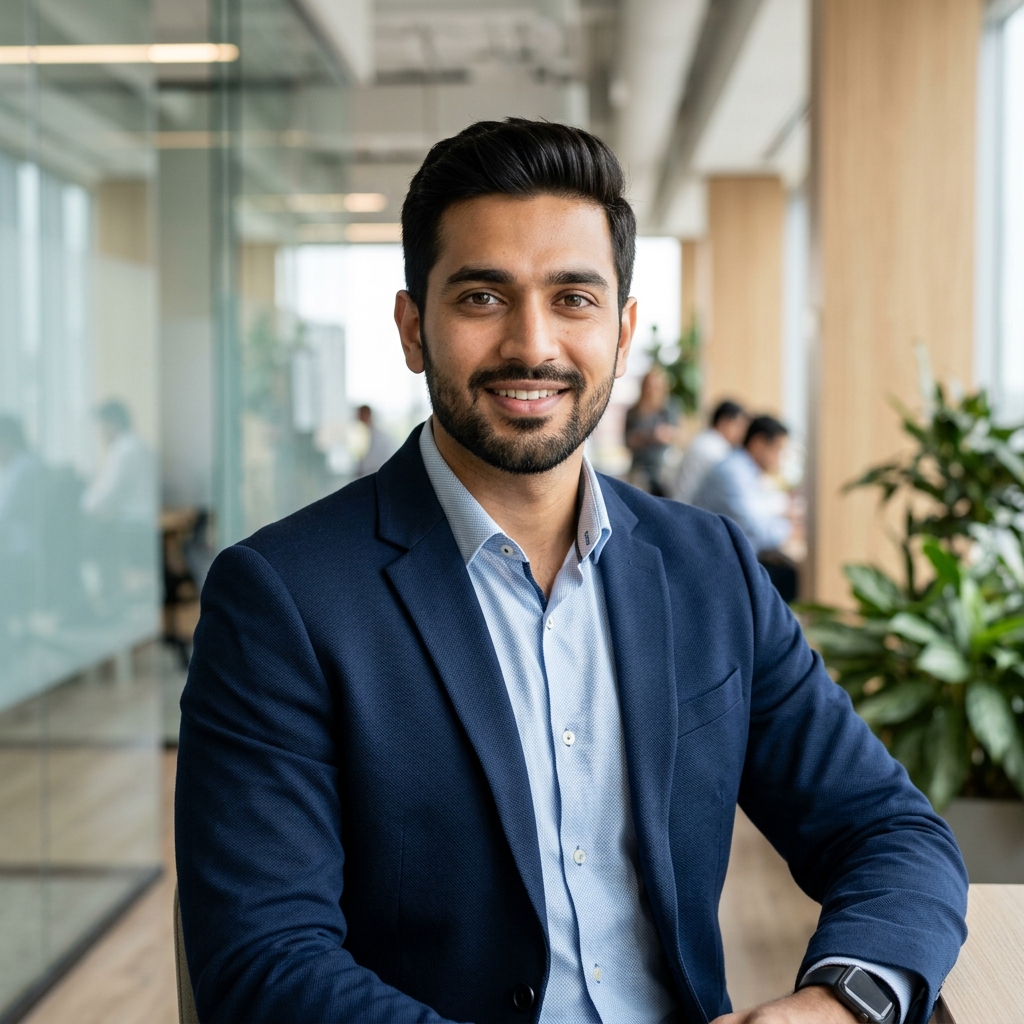
Rajesh Patel
Successfully landed a Senior AI Researcher position at TechCorp immediately following the intensive AI bootcamp, crediting the hands-on project portfolio for making her stand out.
Senior AI Researcher
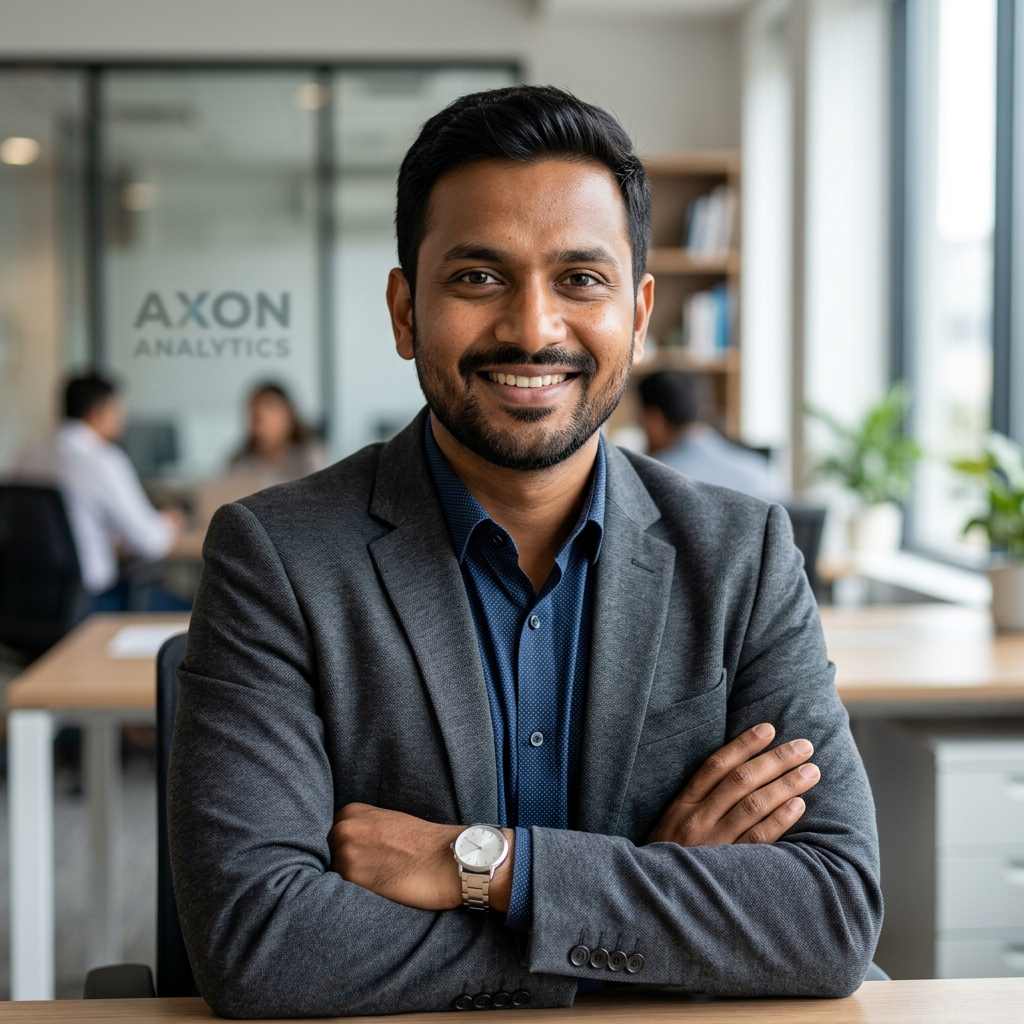
Rohan Patel
Used expert mentorship and resources to develop a breakthrough mobile application that is now gaining significant traction across multiple markets, transforming him into a full-time entrepreneur.
Lead Developer
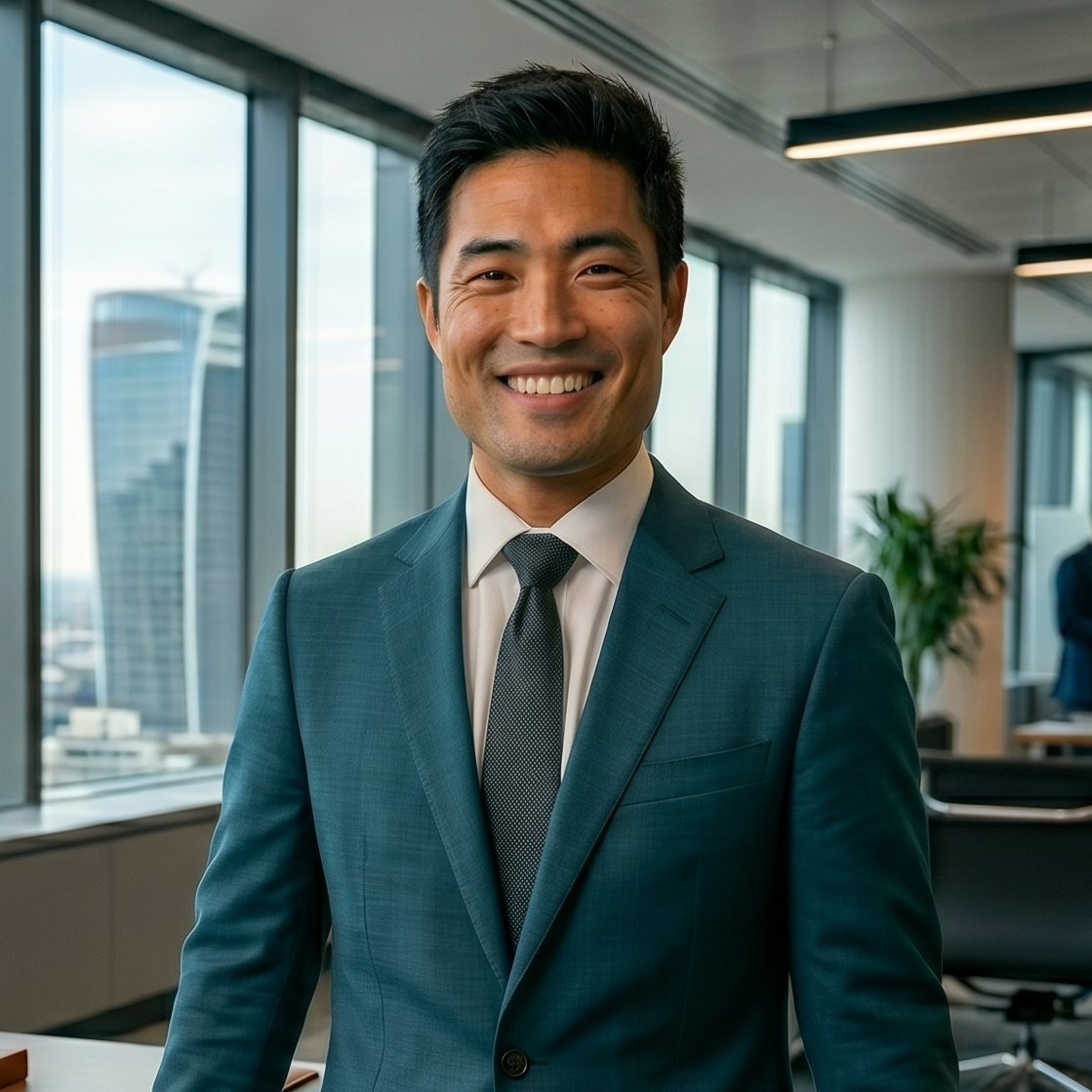
Lucas Tan
The hands-on approach to machine learning gave me the confidence to implement complex AI models in my current projects. Truly a career-changing experience.
AI Engineer

Priya Singh
After completing the professional certification program, she successfully doubled her salary and secured a director-level promotion, highlighting the immediate return on investment from our specialized training.
Marketing Director

Vivek Sahu
Executed a successful career pivot into the high-demand data science field with essential support from the community, courses, and personalized AI career counseling sessions.
Data Scientist, Health Insights

Sophie Caldwell
Learning how to translate complex data into actionable business insights was the highlight for me. The instructors are industry experts who really care.
Data Analyst
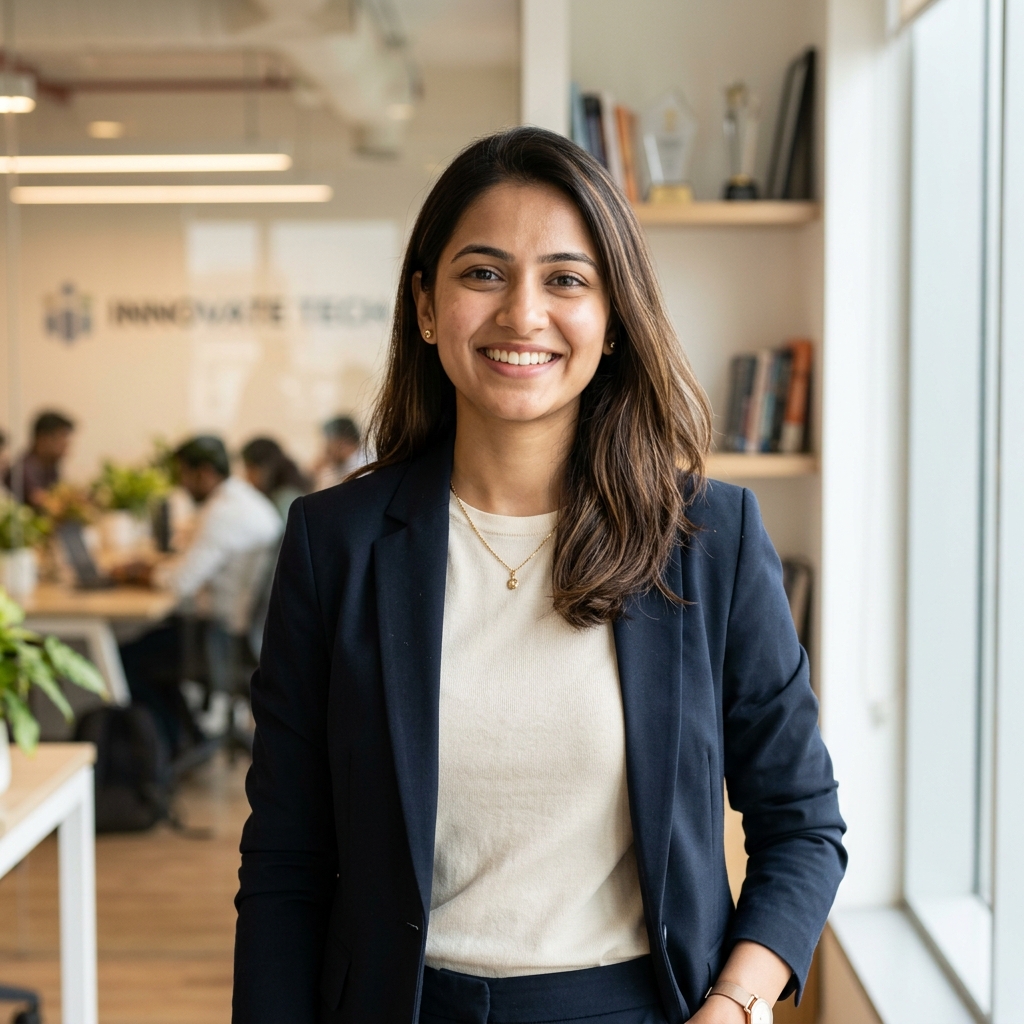
Pooja Patel
Won the annual hackathon by developing a scalable prototype, securing initial seed funding to launch her successful health tech startup, Nexus Solutions.
CEO & Founder

Akash Verma
Quickly mastered advanced machine learning models and now leads the Innovation team at Tata Digital, steering the development of their next generation of AI products.
AI Innovation Lead

Maryam Hussain
The data-driven marketing strategies I learned here have significantly improved my campaign ROI. The community support is absolutely fantastic.
Digital Marketing Specialist
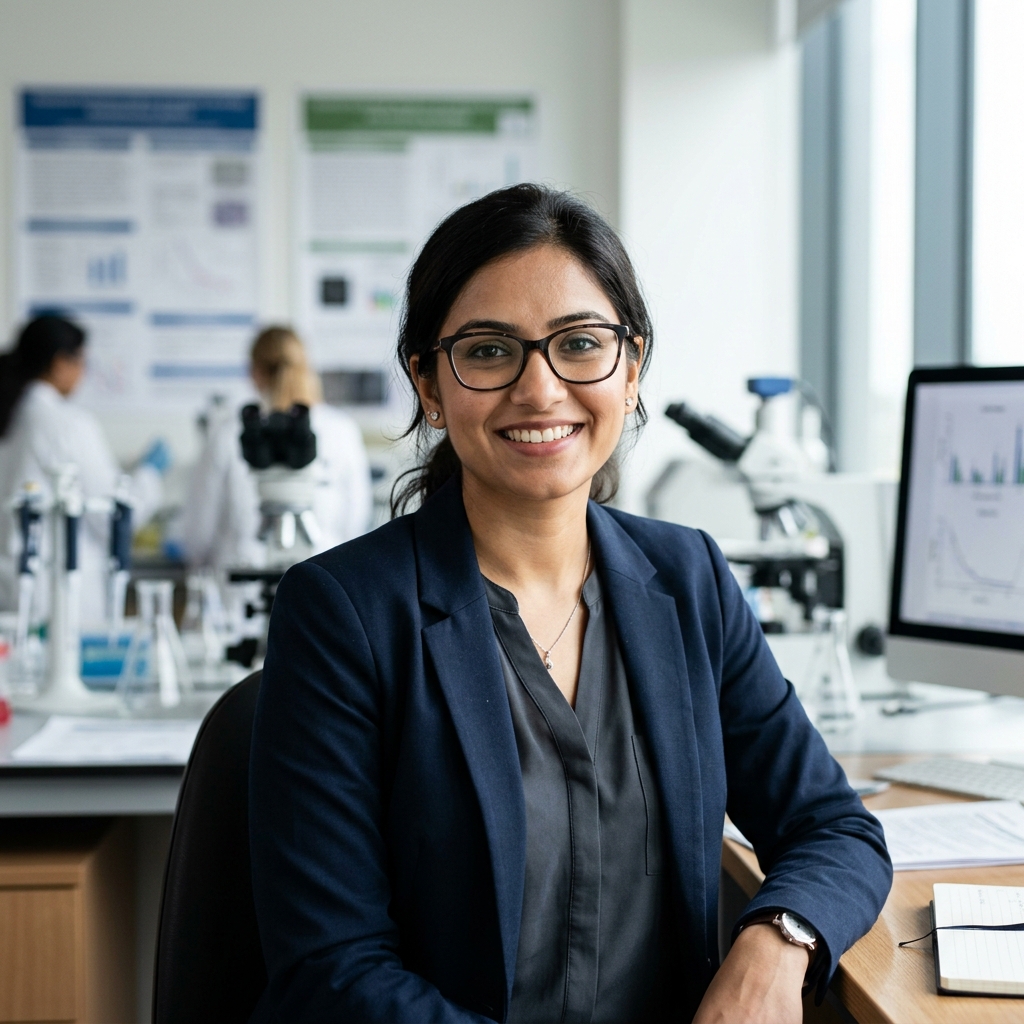
Sanjana Reddy
Authored and successfully published her first academic research paper in a top journal, citing focused, one-on-one instructor guidance as the key to her clarity and success.
PhD Scholar

Manish Gupta
Learned to quickly integrate cutting-edge AI tools into existing company workflows across several departments, resulting in a documented 30% boost in overall efficiency.
IT Strategy Consultant

Hannah Pemberton
I gained a much deeper understanding of user-centric design. The mentorship I received was instrumental in refining my portfolio and landing my dream job.
UX Designer
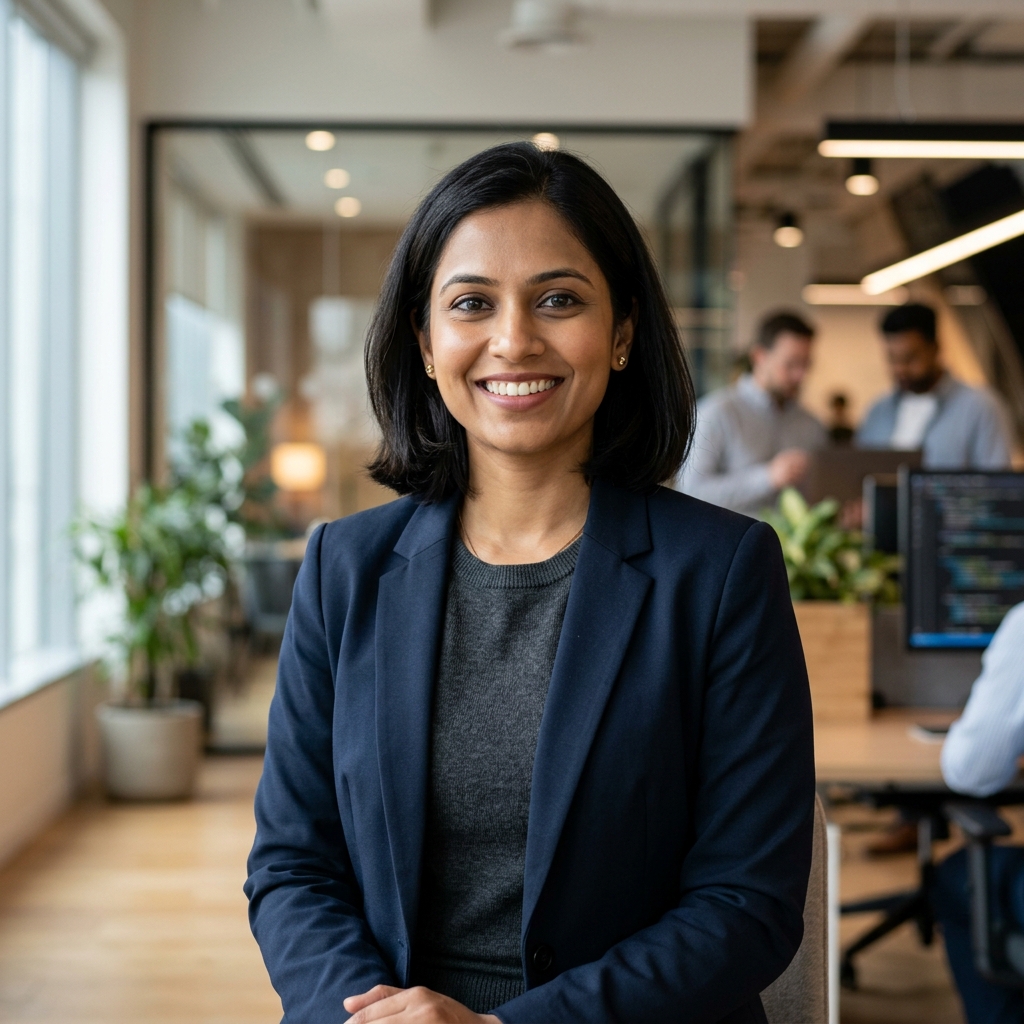
Deepa Iyer
Secured a highly sought-after remote software development role directly through professional networking events and platform introductions, enjoying maximum flexibility and career growth.
Remote Software Engineer
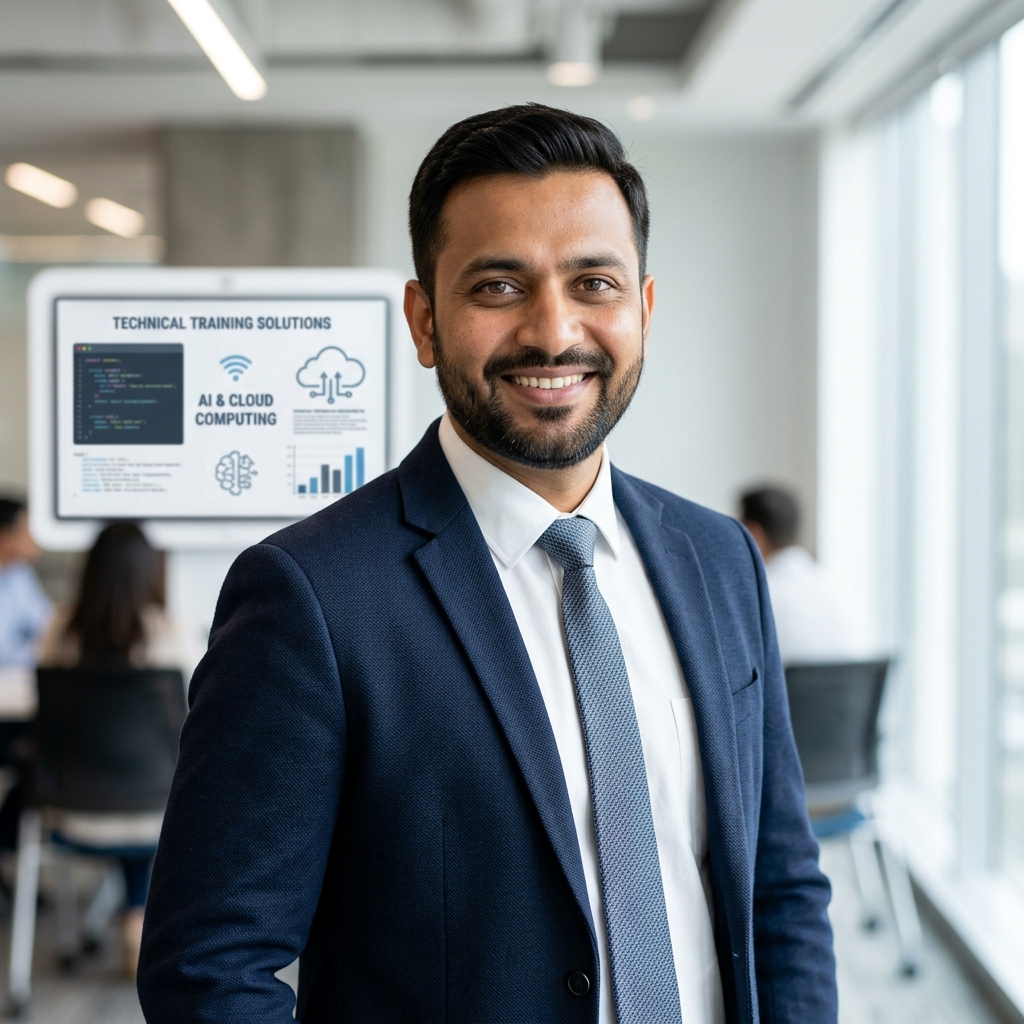
Sandeep Joshi
Seamlessly transitioned from a career in high school education to a high-demand, specialized technical trainer role, leveraging his deep subject knowledge and platform certifications.
Technical Trainer

Zhang Min
The program's focus on strategic leadership helped me transition into a senior role. The real-world case studies were invaluable for my day-to-day operations.
Senior Project Manager
James Holloway
Transitioning to full-stack development seemed daunting until I joined this program. The curriculum is perfectly structured for career pivoters.
Full Stack Developer
Rajesh Patel
Successfully landed a Senior AI Researcher position at TechCorp immediately following the intensive AI bootcamp, crediting the hands-on project portfolio for making her stand out.
Senior AI Researcher
Rohan Patel
Used expert mentorship and resources to develop a breakthrough mobile application that is now gaining significant traction across multiple markets, transforming him into a full-time entrepreneur.
Lead Developer
Lucas Tan
The hands-on approach to machine learning gave me the confidence to implement complex AI models in my current projects. Truly a career-changing experience.
AI Engineer
Priya Singh
After completing the professional certification program, she successfully doubled her salary and secured a director-level promotion, highlighting the immediate return on investment from our specialized training.
Marketing Director
Vivek Sahu
Executed a successful career pivot into the high-demand data science field with essential support from the community, courses, and personalized AI career counseling sessions.
Data Scientist, Health Insights
Sophie Caldwell
Learning how to translate complex data into actionable business insights was the highlight for me. The instructors are industry experts who really care.
Data Analyst
Pooja Patel
Won the annual hackathon by developing a scalable prototype, securing initial seed funding to launch her successful health tech startup, Nexus Solutions.
CEO & Founder
Akash Verma
Quickly mastered advanced machine learning models and now leads the Innovation team at Tata Digital, steering the development of their next generation of AI products.
AI Innovation Lead
Maryam Hussain
The data-driven marketing strategies I learned here have significantly improved my campaign ROI. The community support is absolutely fantastic.
Digital Marketing Specialist
Sanjana Reddy
Authored and successfully published her first academic research paper in a top journal, citing focused, one-on-one instructor guidance as the key to her clarity and success.
PhD Scholar
Manish Gupta
Learned to quickly integrate cutting-edge AI tools into existing company workflows across several departments, resulting in a documented 30% boost in overall efficiency.
IT Strategy Consultant
Hannah Pemberton
I gained a much deeper understanding of user-centric design. The mentorship I received was instrumental in refining my portfolio and landing my dream job.
UX Designer
Deepa Iyer
Secured a highly sought-after remote software development role directly through professional networking events and platform introductions, enjoying maximum flexibility and career growth.
Remote Software Engineer
Sandeep Joshi
Seamlessly transitioned from a career in high school education to a high-demand, specialized technical trainer role, leveraging his deep subject knowledge and platform certifications.
Technical Trainer
Zhang Min
The program's focus on strategic leadership helped me transition into a senior role. The real-world case studies were invaluable for my day-to-day operations.
Senior Project Manager
Our Clients
Companies That Trust Skillbloomer


Hear From Our Learners
See the Impact Our Programs Have Made on Careers

This program genuinely accelerated my career in ways I didn't expect. The content was practical, the instructors were experienced practitioners, and every module felt directly applicable to my day-to-day work. Within months of completing it, I was taking on responsibilities that would have felt out of reach before. A worthwhile investment for any professional serious about progressing in their field.
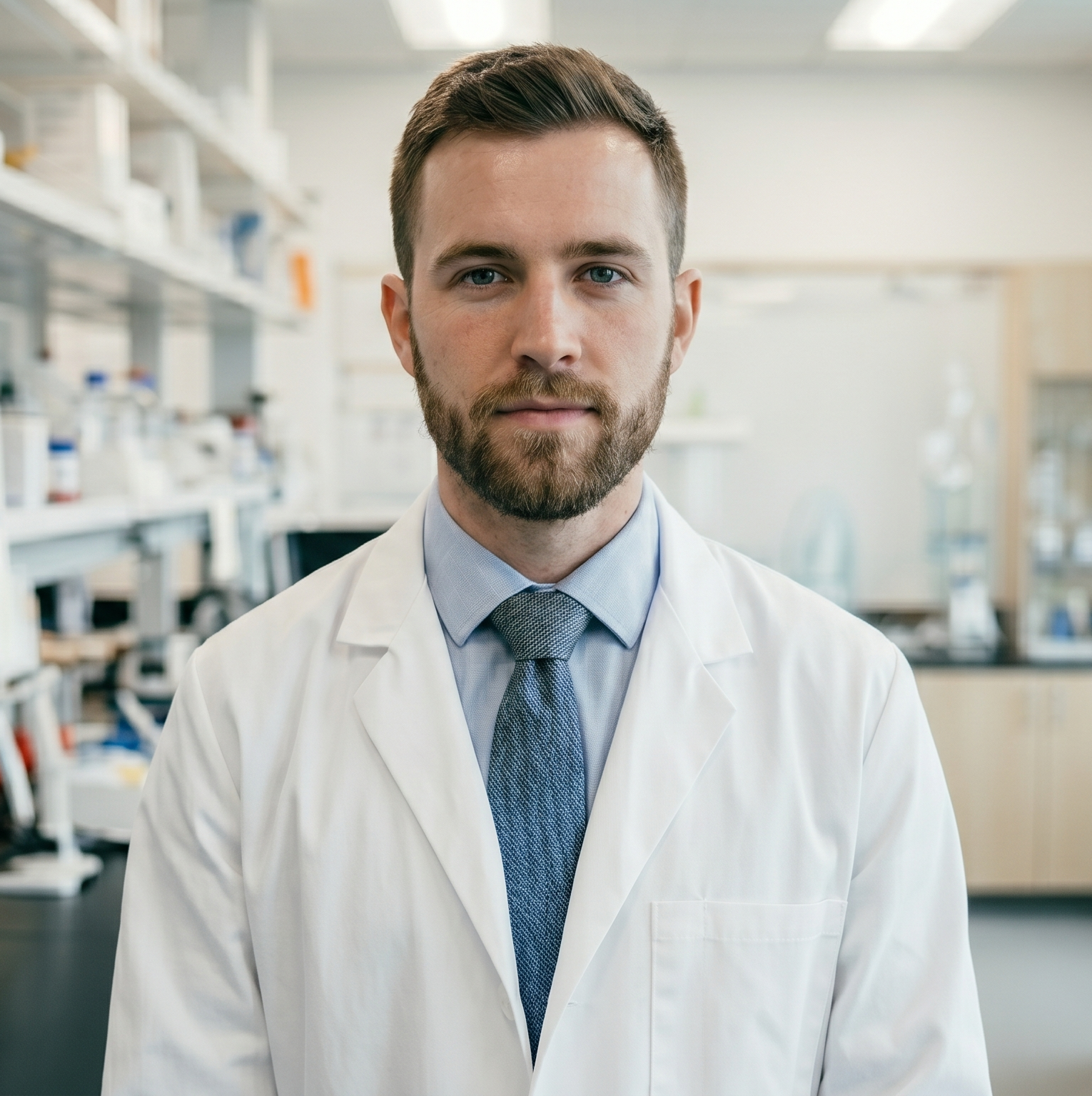 Dr. Ethan Reed
As a full-time professional with family commitments, I was worried about the time investment. The flexible structure made it surprisingly manageable. I could engage with the material on my own schedule without falling behind. The quality never dipped despite the flexibility. Honestly one of the best learning experiences I've had as a busy working adult juggling multiple priorities.
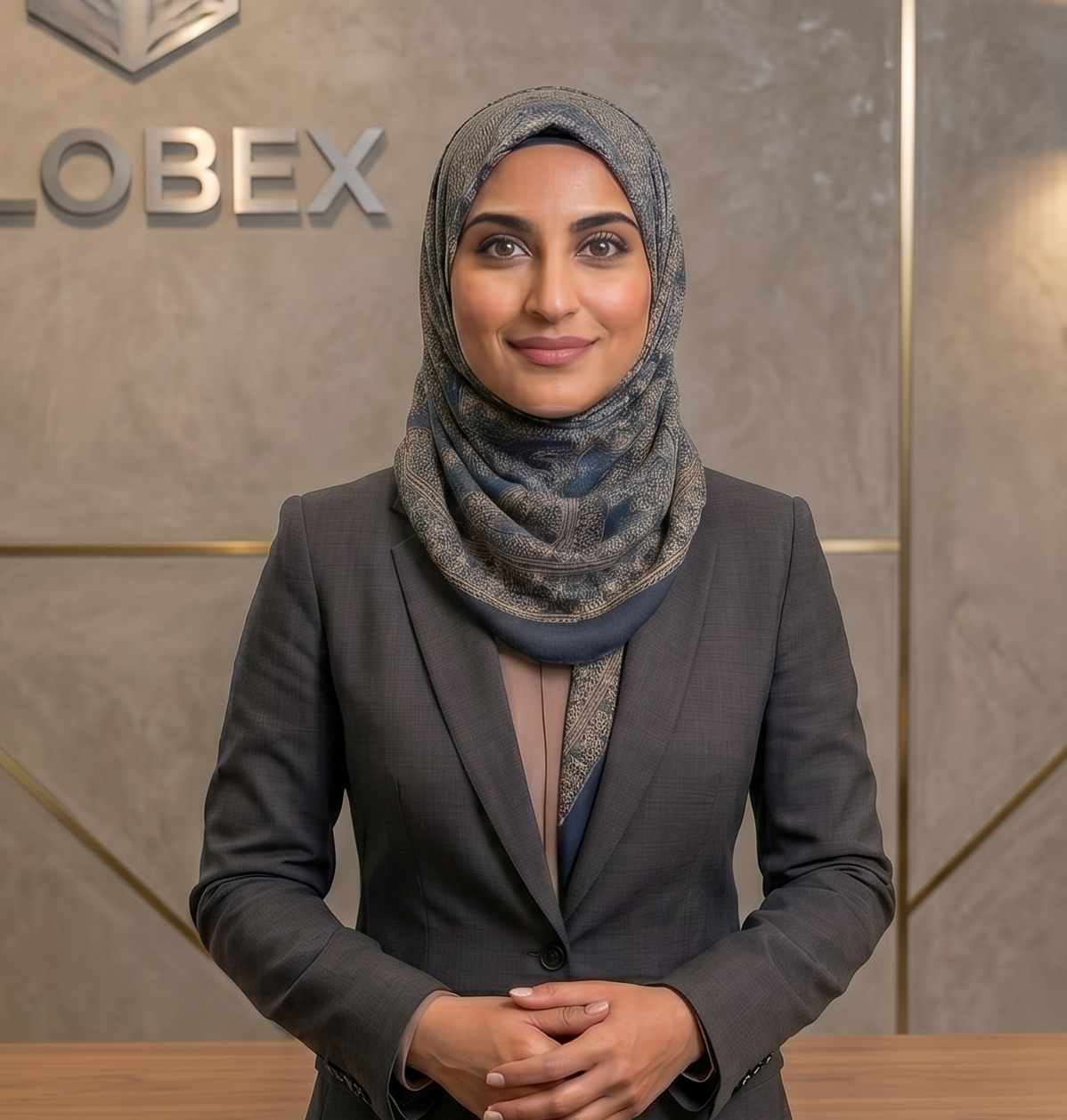 Zara Ahmed
What set this program apart was how immediately useful everything felt. I wasn't memorizing theory for an exam, I was solving problems I could take straight back to my team the next morning. My manager noticed the shift in my work quality within weeks. Highly recommend to anyone tired of courses that don't translate into real workplace impact.
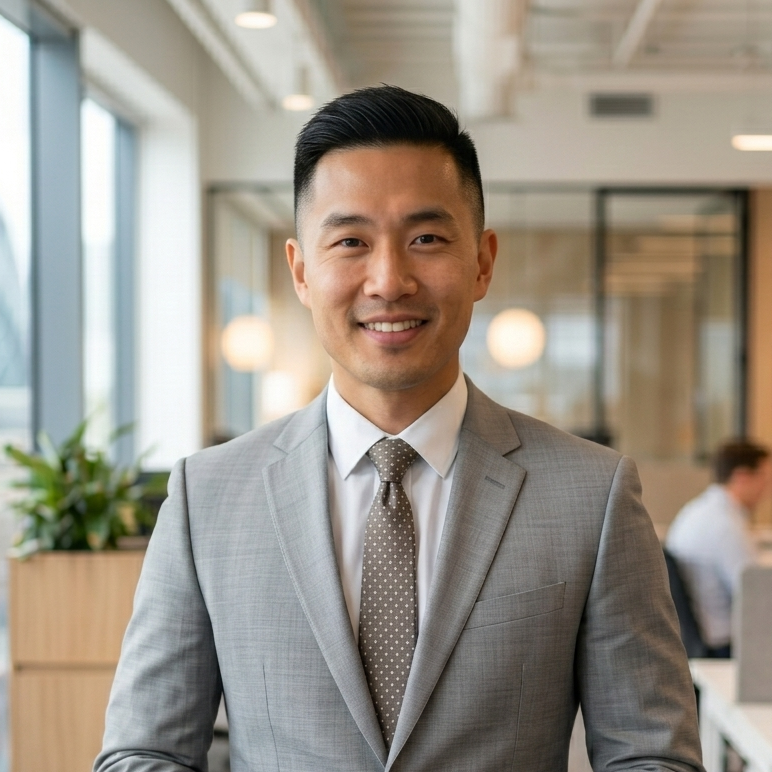 Oliver Hartley
The instructors were the highlight for me. These weren't academics reading from slides, they were working professionals sharing real lessons from real projects. Every session felt like getting mentorship from someone five steps ahead in my career. The depth of insight and willingness to answer detailed questions made the entire experience feel personal and genuinely transformative for my growth.
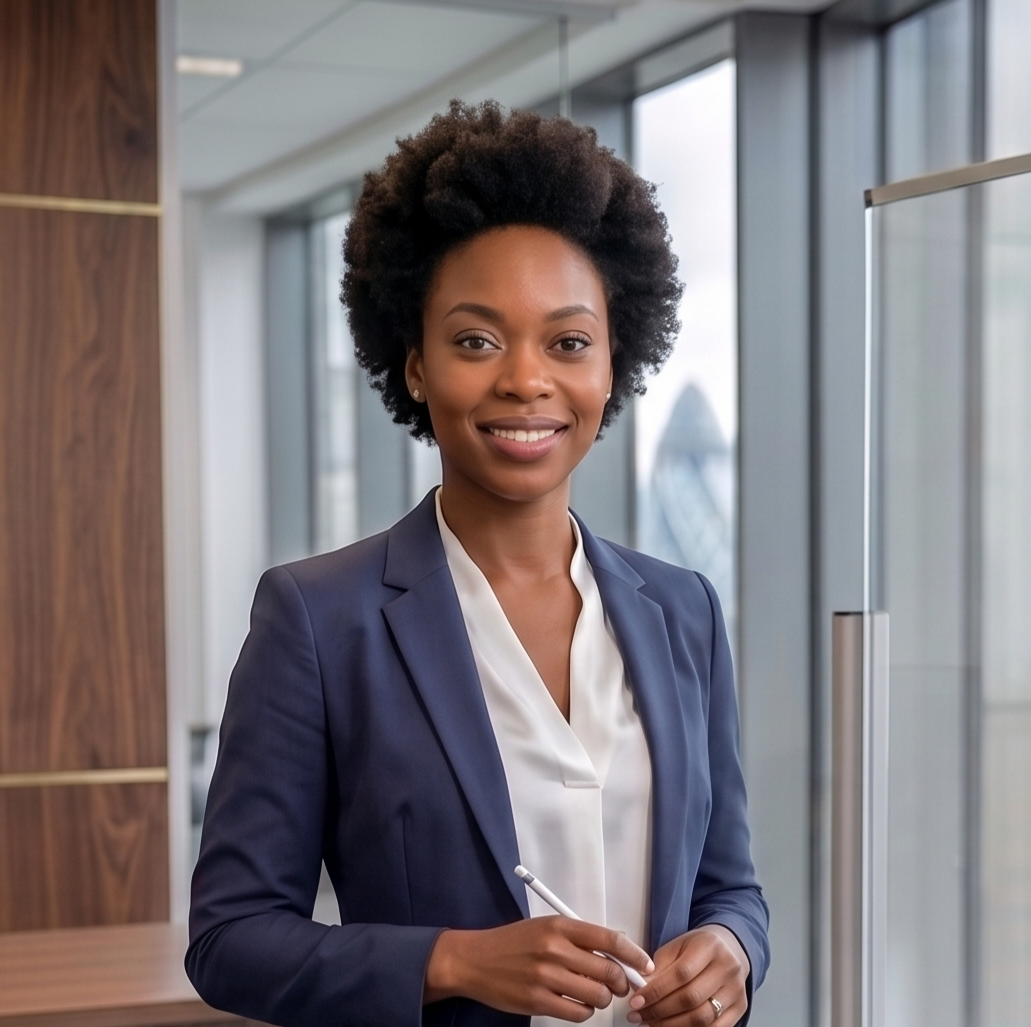 Emily Whitaker
.png)
Join our community and transform your career potential today.
Your Next Career Starts Here.
Become a trainerBrands in Collaboration
In Partnership with Global Innovators and Industry Leaders